






55282
Snack Station Snack Party
RM 1.00
Join Now





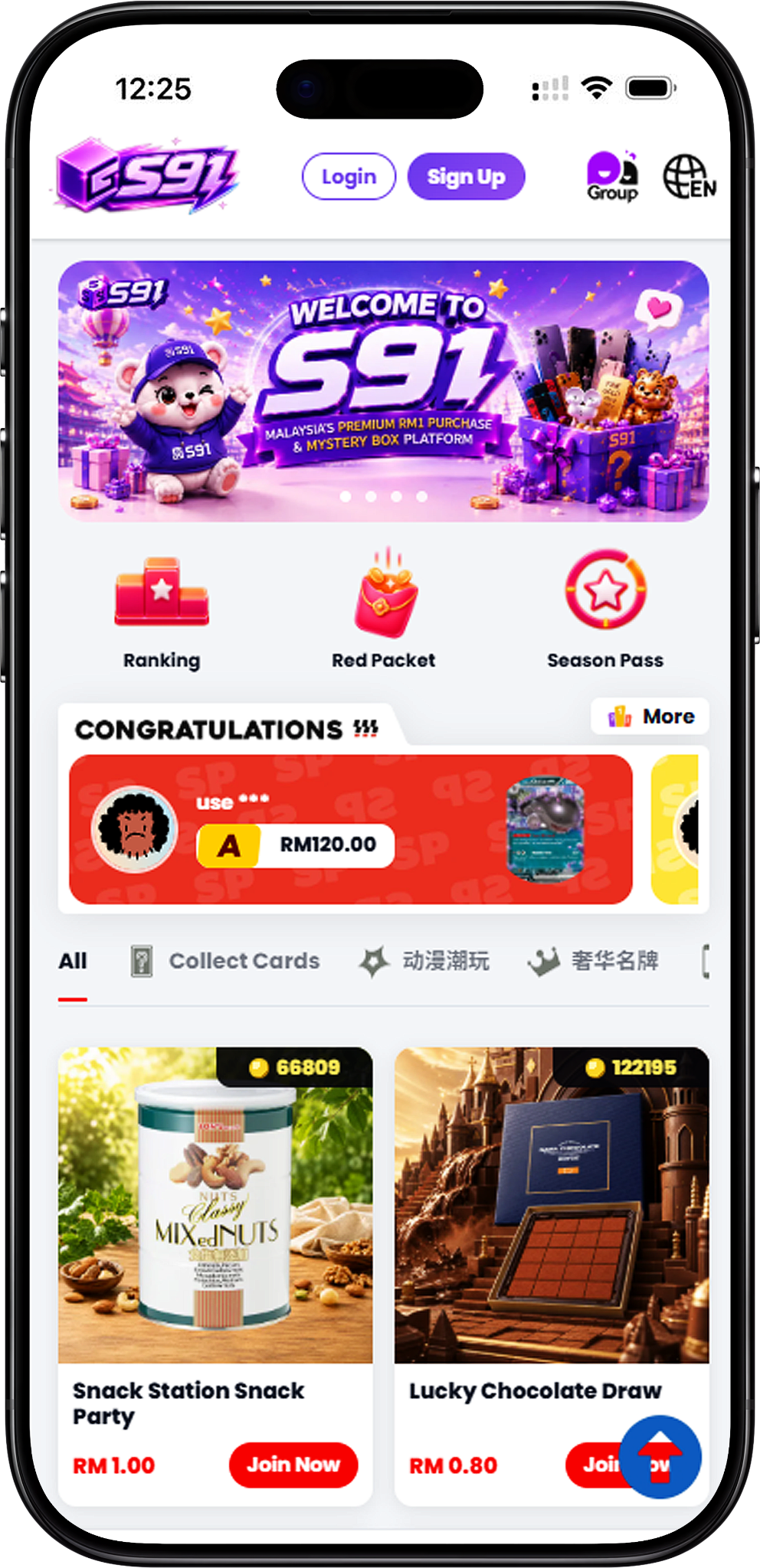
Welcome to S91, an online platform that brings together S91BOX, Lucky Draw, RM1 Purchase, Season Pass rewards, Daily Mission, seasonal rankings and other platform activities in one place. Users can register an account, access collectible and product categories, earn XP through eligible activities, progress through rewards and explore the different features available across S91.
S91 provides access to a range of product, reward and participation features through the S91 platform. From Lucky Draw and RM1 Purchase to Season Pass, Daily Mission and Ranking, users can explore different activities while managing their account and rewards from one platform.
S91BOX is closely connected with the S91 experience, giving users access to platform activities and product-focused features. Whether you want to explore Lucky Draw collections, participate in RM1 Purchase, complete Daily Missions or progress through Season Pass rewards, S91 brings these experiences together in an accessible format.
The platform includes different ways to participate. Lucky Draw covers product categories such as Collect Cards, Digital Technology, Anime Collectibles and Luxury Brands, while RM1 Purchase covers categories including Collect Cards, Collectibles, Gaming, Home Essentials, Lifestyle, Premium Collection and Tech.
S91 Lucky Draw features different product collections across Collect Cards, Digital Technology, Anime Collectibles and Luxury Brands. Blind Box purchases provide one prize for each completed purchase, with prize results generated randomly by the Platform’s system and applicable probabilities displayed on the corresponding product page.
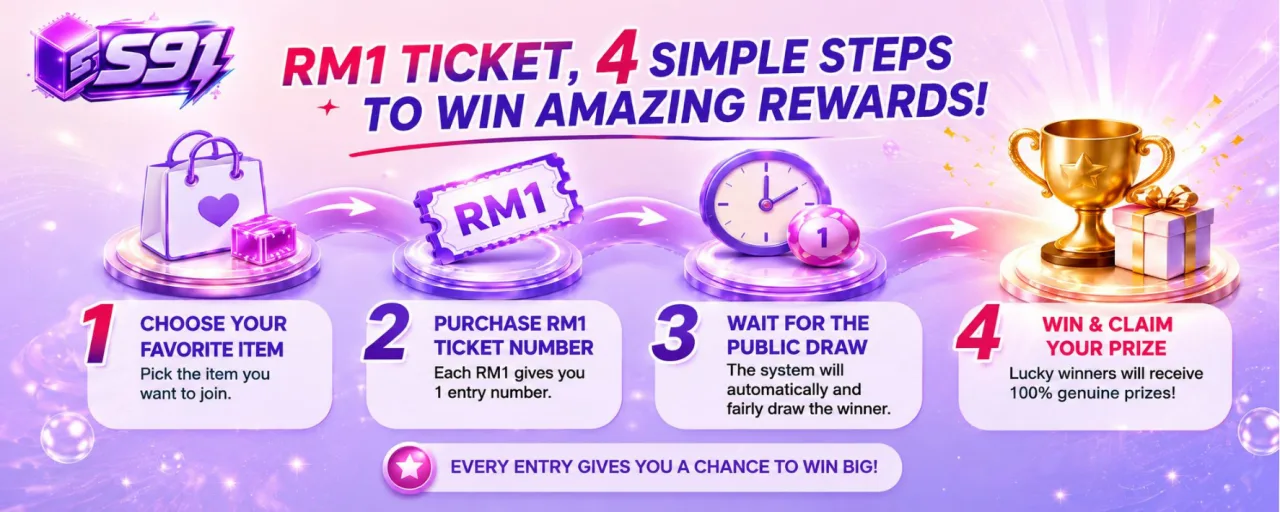
S91 RM1 Purchase gives users another way to participate in product-based activities. Each RM1 Participation Unit provides one unique Participation Number. Once all entries for a product are sold, the system conducts the draw and generates the winning number according to the published draw process.
S91 also connects platform participation with XP and Season Pass rewards. Eligible activities can contribute XP toward Season Pass progression, while Season Pass rewards can include Tickets that may be used with RM1 Purchase products.
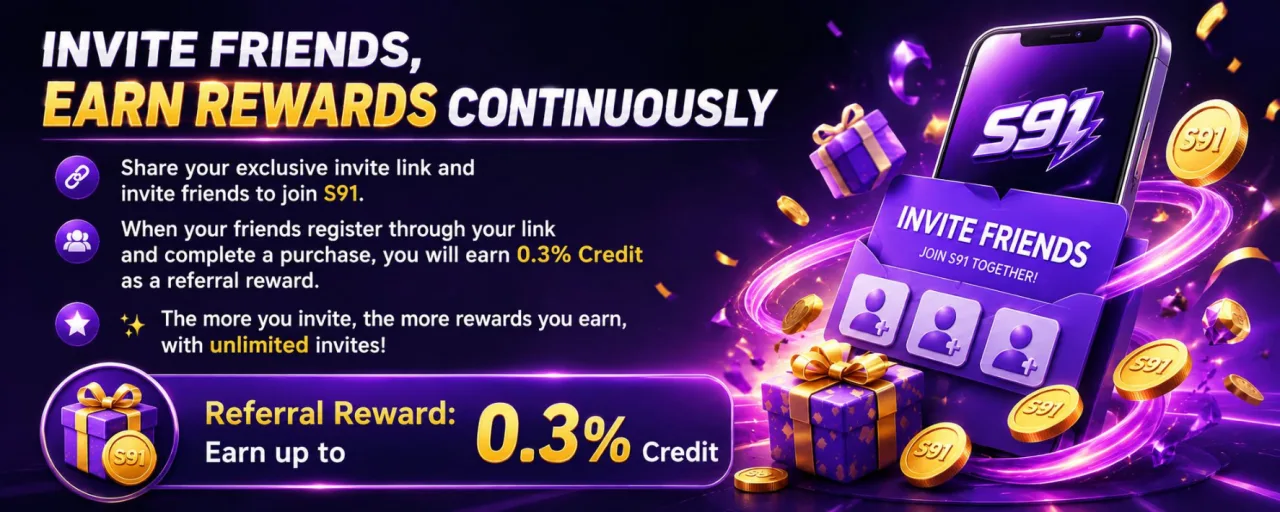
Daily Mission provides defined tasks such as daily login, completing a Lucky Draw, completing an RM1 Purchase, inviting a friend and spending an eligible amount. Season Ranking tracks Top Spender, Top Check In and Top Inviter categories, with bonus XP awarded to the top three positions when the season ends.
S91 also provides supporting account services including registration, Top Up, eligible withdrawals, physical prize delivery where applicable, Buyback for eligible prizes and customer support. Users can also contact the official support team if they are interested in opening an Agent Account.
S91 brings together different product interests rather than focusing on a single category. Users can explore cards and collectibles alongside technology, gaming products, home essentials, lifestyle products and premium collections depending on the activity and category selected.
Features across S91 are connected through activities such as Daily Mission, XP progression, Season Pass and Tickets. This creates a structured path for users to participate in eligible activities, collect XP and explore the rewards available through the Platform.
S91 provides defined participation mechanics for its main product activities. Lucky Draw product pages display prize probabilities, while RM1 Purchase assigns a unique Participation Number for each Participation Unit and conducts the draw automatically after all entries for the product are sold.
Users can follow their progress beyond individual purchases through Daily Mission and Season Ranking. Daily tasks provide XP opportunities, while seasonal Top Spender, Top Check In and Top Inviter rankings provide bonus XP for the top three positions at the end of the season.
S91 combines its product and reward activities with practical account services. Users can register, access payment and withdrawal functions where applicable, review relevant platform policies and contact official customer support when assistance is required.
S91 combines multiple product-focused activities within one platform. Users can explore Lucky Draw collections, participate in RM1 Purchase, complete Daily Missions and follow seasonal reward progression without limiting their experience to a single product category.
Eligible S91 activities can provide XP. Daily Mission includes tasks such as logging in, completing a Lucky Draw, completing an RM1 Purchase, inviting a friend and meeting the specified spending task, with an additional XP reward available for completing all listed daily missions.
XP contributes toward Season Pass progression. As users progress through Season Pass levels, they can access the rewards available at eligible levels. Season Pass rewards can include Tickets, credits and other displayed rewards depending on the applicable reward track and level.
Tickets available through Season Pass rewards connect with the RM1 Purchase experience. Users can accumulate Tickets and use them toward RM1 Purchase products according to the applicable participation requirements.
The S91 Season Ranking provides Top Spender, Top Check In and Top Inviter categories. At the end of a season, the top three positions in each displayed ranking receive bonus XP, with 88 XP for first place, 50 XP for second place and 20 XP for third place.
Beyond its product activities, S91 provides supporting services for account registration, Top Up, eligible withdrawals, physical prize delivery where applicable and Buyback for eligible prizes. Official customer support is also available for users who require assistance.
S91 provides two major product-focused experiences through Lucky Draw and RM1 Purchase. Each includes multiple categories, allowing users to browse different types of cards, collectibles, technology and lifestyle-related products before choosing what they want to explore.
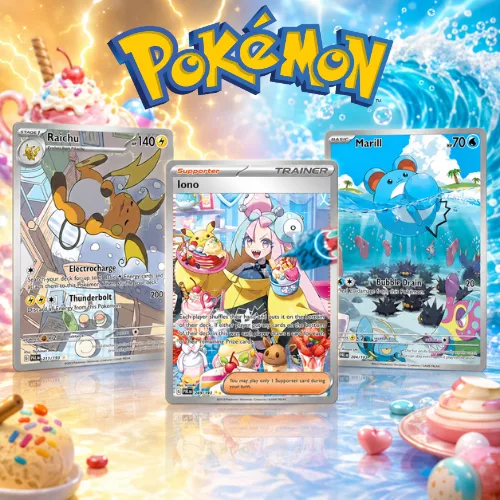
The Collect Cards category focuses on trading card products and collections, including Pokémon and ONE PIECE card products featured on S91.
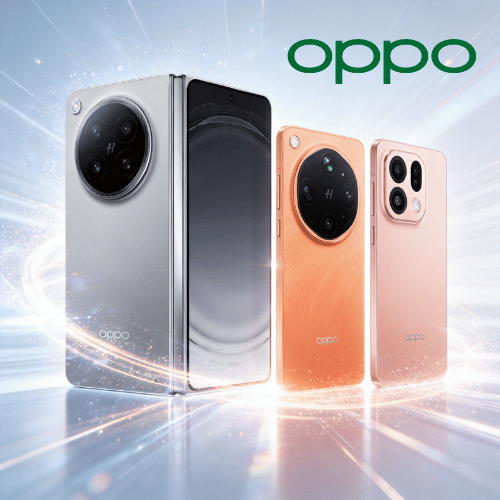
Digital Technology brings technology-focused products into the S91 Lucky Draw selection, with products from categories such as smartphones, cameras, consoles and smart-home technology.
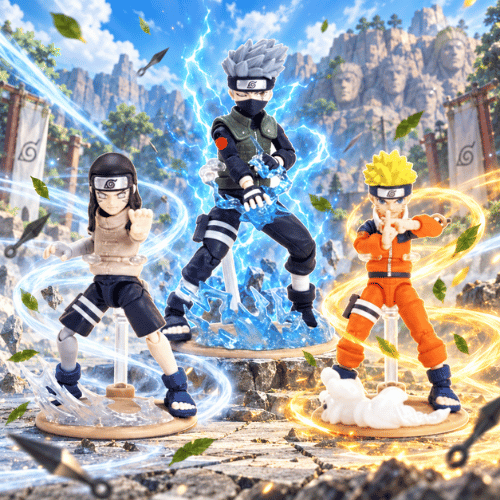
Anime Collectibles features character merchandise and collectible products, including selections associated with POP MART, Crayon Shin-chan, SpongeBob and other collectible series displayed on S91.
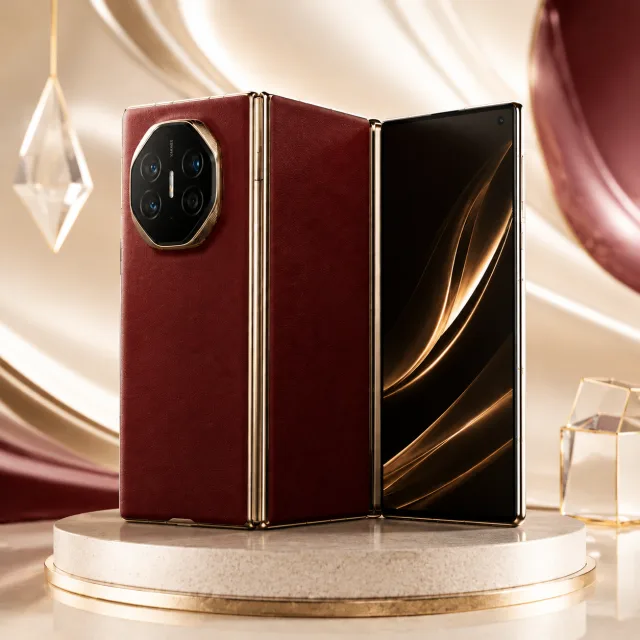
Luxury Brands covers premium-focused Lucky Draw selections, including products from categories such as watches, fragrances and premium technology collections.
RM1 Purchase Collect Cards provides card-focused products where users can obtain Participation Units and corresponding unique Participation Numbers through the RM1 Purchase process.
Collectibles covers character merchandise, figures, plush products and other collectible items available through the RM1 Purchase category.
Gaming features gaming-related products such as consoles and handheld gaming devices within the RM1 Purchase selection.
Home Essentials focuses on practical household products, with selections covering appliances, cookware, air treatment products and other home-related items.
Lifestyle includes products associated with everyday living and personal use, ranging from personal care technology to home entertainment and other lifestyle products.
Premium Collection brings together higher-value and premium-focused products, including selected branded goods, gold products and other featured items.
Tech focuses on consumer technology such as smartphones, tablets, cameras, audio products, smartwatches and other electronic devices featured in the S91 RM1 Purchase selection.
S91BOX is associated with the S91 platform experience and provides users with access to S91 activities and features. After registering, users can explore the available product categories, Lucky Draw, RM1 Purchase and reward-related features offered through the Platform.
Lucky Draw forms an important part of the S91BOX experience. Each completed Blind Box purchase guarantees one prize, with results randomly generated by the Platform’s system. Applicable prize probabilities are displayed on the corresponding product page, and winner records are publicly displayed for transparency.
RM1 Purchase uses a participation-based process. Every RM1 Participation Unit provides one unique Participation Number. Once all available entries for a product have been sold, the system automatically conducts the draw and generates the winning number using the published draw process.
S91BOX also connects users with features such as Daily Mission, Season Pass and Season Ranking. These features provide ways to earn XP, progress through seasonal rewards and follow ranking performance alongside the platform’s product activities.
Getting started with S91 follows three main areas: create your account, set up convenient access to the Platform and, if interested, contact S91 about becoming an Agent. Each dedicated page provides more detailed guidance for the relevant process.
Start by creating an S91 account through the official registration process. Registration provides the account needed to access the Platform and explore its available features.
After registration, set up convenient access to S91 on your preferred supported device. Android and iOS users can follow the relevant setup instructions provided on the S91 Download page.
Users interested in an S91 Agent Account can contact the official WhatsApp support team. S91 support can guide prospective agents through the account request and provide information about promoting the Agent Account and developing downlines.
The S91 Register process is the starting point for new users. The main Register page provides the complete registration guide, while the steps below provide a quick overview of how to begin.
Access the official S91 registration page to begin creating your account. Make sure you use the official registration channel before submitting account information.
Follow the registration instructions displayed by S91 and provide the required information to proceed with your account creation. Referral Code or QR Code registration may be used where applicable to the registration route provided to you.
Review the information entered during sign up and follow the remaining instructions shown by S91 to complete your registration. The dedicated Register page contains the full step-by-step process.
Registering gives new users an account for accessing the S91 platform and exploring available Lucky Draw, RM1 Purchase, Daily Mission, Season Pass, Ranking and other supported features.
Once your account is ready, you can explore the product categories and platform activities relevant to you. Review the applicable rules and product information before participating in an activity or completing a transaction.
The S91 Download page provides device-specific instructions for accessing S91. Android and iOS users should follow the setup method provided for their device rather than relying on unofficial sources.
Open Google Chrome on your Android device and visit the official S91 website at S91BOX.
Tap the three-dot menu in Chrome to view the available browser options.
Select Add to Home screen, enter a name such as S91 and confirm. The S91 icon will then appear on your Android home screen. If the option does not appear immediately, check the Chrome menu manually for Add to Home screen.
Open the appropriate browser on your iOS device and access the official S91 website to begin setting up convenient access.
Continue with the device-specific instructions provided on the S91 Download page. Refer to the full Download guide for the complete iOS setup process.
Setting up S91 on your device makes it easier to return to the Platform for account access, product categories and available activities. Use the official Download guide for the complete Android or iOS instructions.
Follow the access information provided by S91 when setting up the Platform on your device. This helps ensure that you are using the intended S91 destination rather than an unrelated source.
To become an S91 Agent, visit the official website and click the WhatsApp icon or Contact Us button. You will be connected with the WhatsApp support team, where you can request to open an Agent Account.
The S91 support team can also provide guidance on promoting your Agent Account, gaining more downlines and getting started with your agent activity. Users interested in the full process should visit the dedicated Agent page.
S91 is an online platform featuring product and reward activities including Lucky Draw, RM1 Purchase, Daily Mission, Season Pass and Season Ranking, together with supporting account and transaction services.
S91BOX is associated with the S91 platform experience, providing access to S91 activities and features such as product-focused participation and reward-related functions.
Users can explore Lucky Draw categories such as Collect Cards, Digital Technology, Anime Collectibles and Luxury Brands, as well as RM1 Purchase categories covering Collect Cards, Collectibles, Gaming, Home Essentials, Lifestyle, Premium Collection and Tech.
Start by registering an S91 account, then follow the appropriate Download or access guide for your device. After accessing the Platform, you can explore the available products, activities and reward features.
Visit the S91 official website, select the WhatsApp icon or Contact Us button and ask the WhatsApp support team to open an Agent Account. The support team can also provide guidance on promoting the account and developing downlines.
Create your S91 account to explore S91BOX, Lucky Draw, RM1 Purchase, Daily Mission, Season Pass, rankings and the product categories available across the Platform.